

Businesses around the world are jumping for joy this week as Microsoft announces news that they have expanded Copilot AI access to Microsoft 365 Business Standard, Microsoft 365 Business Premium, Office 365 E3, and Office 365 E5 users!
Their Copilot for Microsoft 365 announcement blog began with the powerful opening line that shouted AI accessibility to all –
“Our vision for Microsoft Copilot is to bring the power of generative AI to everyone across work and life”
With Copilot for Microsoft 365 from as little as $30 per month per user for organisations, this was incredible news for start ups and small businesses, meaning that the true benefits of Artificial Intelligence can finally be embraced without an exclusive hefty price tag.
AI benefits are nothing short of a game changer for small businesses – Enhanced productivity and efficiency, cost reduction, automated tasks, operations and workflows, reduced human error, improved customer experience, data analysis and insights for better decisions – A handful of examples that dramatically redefine the parameters of success and competitive edge.
So the big question is, how easy is it to integrate Copilot into your business? Let’s take a look to get you off to the best start possible!
Copilot AI for Microsoft 365 for Business
Embarking on the Copilot Journey: A Strategic Framework for Business Integration
Although simple to get on board with Copilot, just as Microsoft intended with their subscriptions, implementing Copilot for Microsoft 365 in your business is more than just an IT update – if you really want to get the most out of it for your business.
Consider your Copilot integration more like a strategic move, that needs careful planning and foresight.
Here’s a strategic framework to ensure Copilot’s smooth integration into your organisation, aimed at boosting productivity and efficiency through AI-driven processes.
Understanding the AI Landscape: Setting Objectives and Identifying Challenges
Before diving into Copilot’s integration, it’s crucial to frame your AI strategy with these guiding questions:
- What are your goals in leveraging AI?
- What business challenges can AI help you overcome?

Copilot – A whole new way to work
A Three-Step Approach to AI Integration
1. Laying the Foundation
Successful AI adoption starts with a solid foundation. Many organisations face challenges such as technical limitations and legacy systems. Copilot for Microsoft 365 taps into your existing Microsoft ecosystem, leveraging data from SharePoint, OneDrive, and your Microsoft Cloud tenant.
To prepare for Copilot, ensure these foundational technologies are in place:
- Cloud adoption readiness
- Legacy system modernisation
- Alignment with zero-trust security principles
2. Preparing for AI with a Focus on Security
As you gear up for AI integration, prioritise a strong security framework. The insights Copilot offers, such as in-depth analysis of customer behaviour and financial performance, are powerful but come with great responsibility.
Consider strengthening your security with:
- Microsoft 365 Business Premium with Defender for Endpoint for advanced threat protection.
- Implementing Privileged Identity Management for controlled access to sensitive data.
- Additionally, a robust data strategy is essential. Organise and manage your data effectively to enable Copilot to generate meaningful insights.
3. Leading the AI Transformation
Transitioning to AI with Copilot involves a strategic phased approach, ensuring organisation-wide adaptation and cultural shift.
- Technology Proof of Concept: Start with a controlled deployment to assess Copilot’s impact on productivity and gather insights for potential applications.
- Identifying Natural Efficiencies: Post-POC, pinpoint departments or processes where AI can streamline operations. Develop AI expertise within the organisation for wider adoption.
- Revolutionising Operations: The final step involves rethinking and realigning business processes to fully leverage Copilot’s capabilities.
Extend the integration beyond internal operations by incorporating external data sources and plugins from leading SaaS providers.
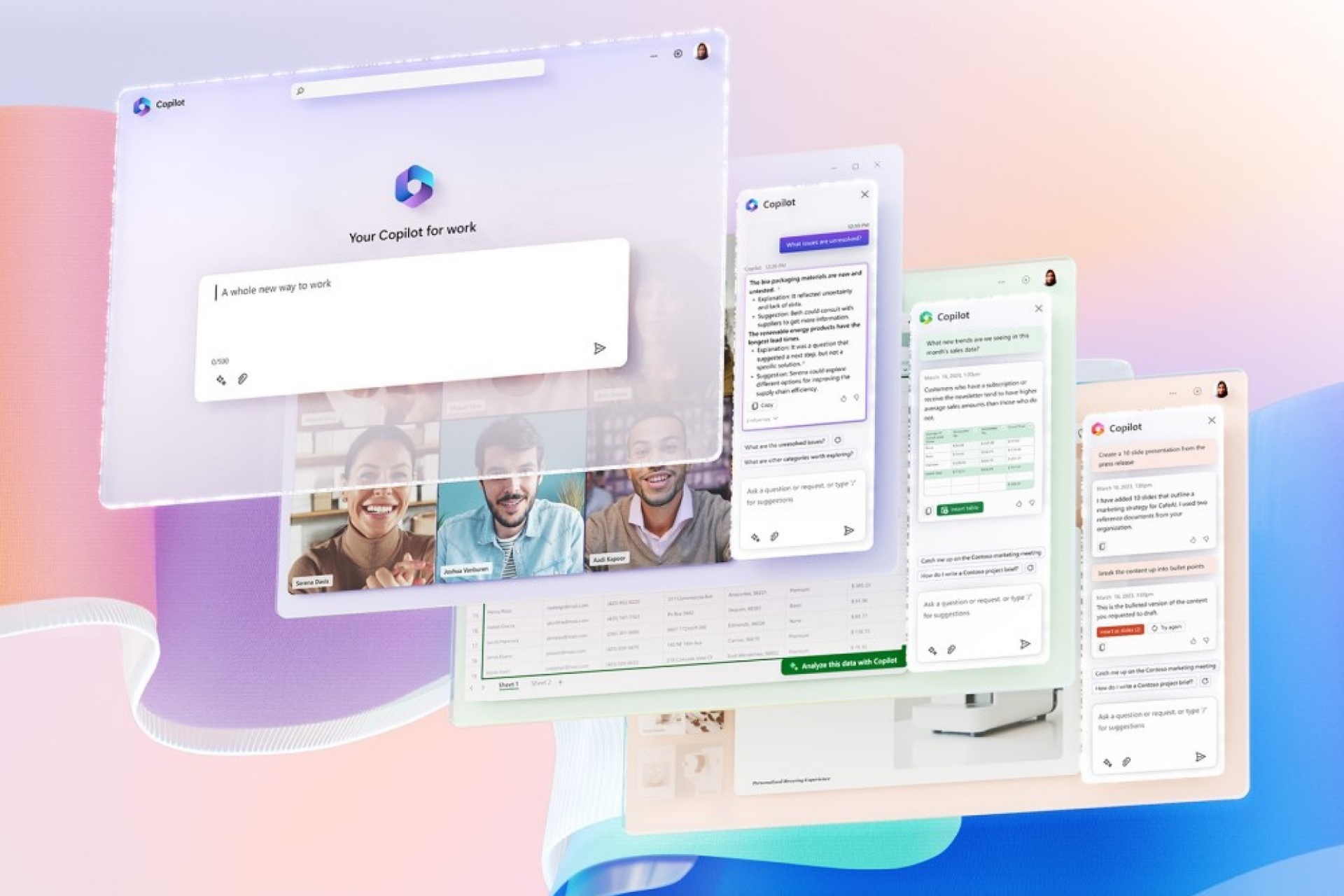
Microsoft 365 Copilot App Features
Conclusion: Embracing the Future with Copilot
Integrating Copilot is a journey towards transforming your business operations with AI. This roadmap provides a strategic approach to adopting Copilot, enhancing your organisation’s productivity and efficiency. And if you need more reason to start your Copilot AI journey? The productivity gains are real. Copilot in Microsoft 365 saves time and helps improve productivity and creativity:
- 77% of Copilot for Microsoft 365 users said that once they started using it, they never wanted to stop.
- 70% of Copilot for Microsoft 365 users said they became more productive.
- 68% of Copilot for Microsoft 365 users said the quality of their work has improved.
So if you’re shouting “I want Copilot like yesterday!” Get in touch with us so we can get you up and running today! We’re always here for any questions you might have too.